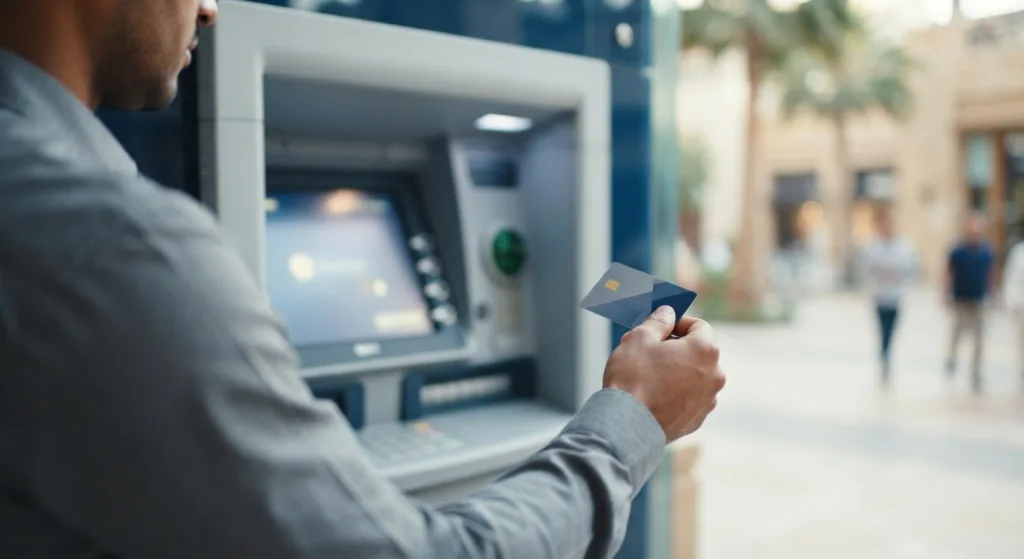
If you have a FAB debit or credit card, the fastest way to see how much money is in your account isn’t an app or a website — it’s the ATM standing at your nearest mall or petrol station. A FAB ATM balance check takes about 15 seconds: insert your card, enter your PIN, and select “Balance Inquiry.” No login, no internet connection, no waiting for an SMS. Below is exactly how to do it, plus every backup method (app, online banking, SMS, phone) for when you’re not near a machine.
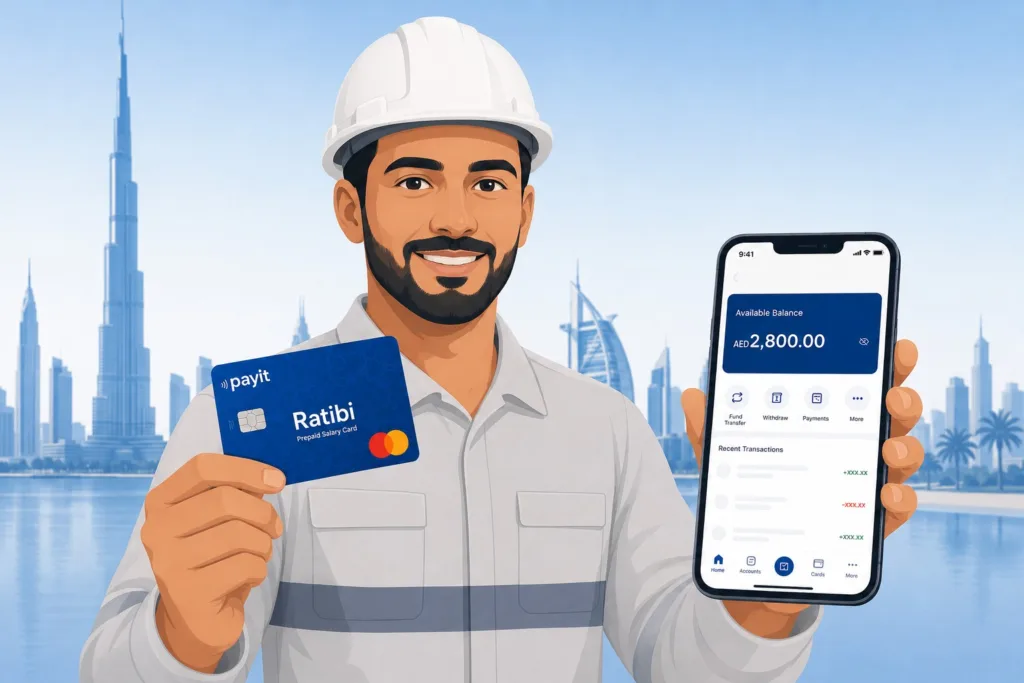
Quick Answer: To do a FAB ATM balance check, insert your FAB debit or credit card into any FAB ATM, enter your 4-digit PIN, and select “Balance Inquiry” from the menu — your balance appears on screen in seconds, free of charge. Away from an ATM? Log in to the FAB Mobile app for the same instant view, use FAB Online Banking on desktop, or text BAL to 2121 from your registered number for an SMS reply. If your money comes through a Ratibi or prepaid salary card rather than a full FAB account, the process is different — see our prepaid card enquiry guide instead.
FAB ATM Balance Check UAE: Every Method for FAB Account Holders
This guide covers FAB customers who hold a regular bank account — savings, current, debit, or credit card — not a payroll/prepaid card. If that’s your situation, jump to that section below. For everyone else, here’s every way to check what’s actually in your FAB account, starting with the one that needs no internet at all.
FAB ATM Balance Check — Step by Step
This is the most reliable method because it works even when your mobile data, banking app, or the FAB website is down.
- Find any FAB ATM, or a partner ATM that accepts FAB cards (some UAE Exchange, Al Ansari, or other bank ATMs support this for a small fee).
- Insert your FAB debit or credit card, chip facing up.
- Select your language.
- Enter your 4-digit ATM PIN.
- Choose “Balance Inquiry” (sometimes labelled “Account Balance” or “Mini Statement”).
- If you hold more than one account linked to the card, select the account you want.
- Your available balance appears on screen — choose to print a receipt or just view it and exit.
Cost: Free at any FAB ATM. Non-FAB ATMs may charge AED 2–5 for a balance enquiry, so use a FAB machine when one is nearby.
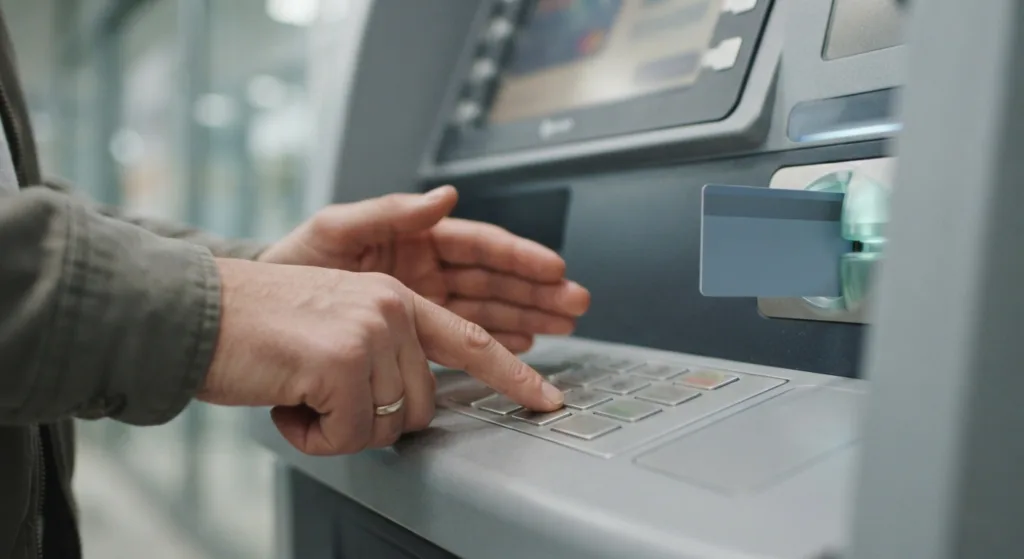
What if the ATM says “Transaction Declined” or won’t read your card?
Try wiping the chip and re-inserting the card. If it still fails, your card may be temporarily locked from repeated wrong PIN attempts — use the “Forgot PIN” option in FAB Mobile, or call the helpline below to unlock it. If the ATM itself is offline, the screen usually says so; just try the next nearest machine.
FAB Balance Check via the FAB Mobile App
If you’d rather not go to a machine at all, the FAB Mobile app gives you the same information instantly.
- Download FAB Mobile from the App Store or Google Play.
- Register using your CIF number, card details, or UAE Pass.
- Verify with the OTP sent to your registered number.
- Log in with your PIN or Face ID/fingerprint.
- Your account balance shows on the home dashboard the moment you open the app — tap it for available balance, current balance, and recent transactions.
FAB Online Banking Balance Check (Desktop)
Useful if you’re at a work computer and want to download a statement at the same time as checking your balance.
- Go to the official FAB website and click “Online Banking Login.”
- Choose “Personal” or “Business.”
- Log in with your user ID and password, then confirm with OTP if prompted.
- Your dashboard shows all linked accounts and cards with current balances, plus the option to download e-statements.
FAB SMS Balance Check
No smartphone or data plan? This works on any basic phone.
- Text BAL to 2121 from your FAB-registered mobile number for your account balance.
- For credit cards, text CBAL followed by the last 4 digits of your card to 2121.
- You must have your number registered with FAB first — do this once through the app or at a branch.
FAB Credit Card Balance and Available Limit
Credit cards show different numbers than a debit account, so it’s worth checking separately:
- App: Select your card → “View Balance” to see outstanding amount, minimum due, and available limit.
- SMS: CBAL + last 4 digits to 2121.
- ATM: Insert card → “Credit Card Services” → “Balance Enquiry.”
- Online: Log in to your FAB online banking dashboard and select the card.
FAB Bank Balance Check by Phone (Customer Care / IVR)
If the app, website, and nearest ATM all fail you, call:
- UAE: 600 52 5500 (24/7, toll-free)
- International: +971 2 681 1511
Select your language, choose “Balance Enquiry” from the IVR menu or wait for an agent, and verify your identity with your card/account number and Emirates ID details. Never share your OTP with anyone who calls you first — FAB will never ask for it over the phone.
Have a Ratibi or Prepaid Salary Card Instead?
Everything above assumes you hold a standard FAB bank account with a PIN-based debit or credit card. If your salary is loaded onto a Ratibi card, NBAD-legacy prepaid card, or another WPS payroll card, the balance lookup works differently — you’ll use a Card ID and the last digits of your card number on the Magnati portal rather than a PIN at an ATM menu. Our full prepaid card enquiry guide covers that exact process, including step-by-step Ratibi balance checks and what to do if your salary hasn’t shown up yet.
FAB ATM and Balance Check Troubleshooting
| Problem | Likely Cause | What to Do |
|---|---|---|
| Card declined at ATM | Wrong PIN entered too many times | Reset PIN via FAB Mobile or call customer care |
| ATM shows “Out of Service” | Machine offline or under maintenance | Try the nearest alternative FAB ATM |
| SMS balance not received | Mobile number not registered with FAB | Register your number via the app or a branch visit |
| App won’t log in | Forgotten password or expired session | Use “Forgot Password” — reset via OTP |
| Balance looks lower than expected | Pending transactions or holds (hotels, car rentals, fuel) | Check transaction history in the app for pending items |
FAB Balance Check: Quick Reference Table
| Method | Best For | Speed | Cost | Needs Internet? |
|---|---|---|---|---|
| ATM | Debit/credit card holders, no data needed | Instant | Free (FAB ATM) | No |
| FAB Mobile App | Daily checking on the go | Instant | Free | Yes |
| Online Banking | Statements, desktop users | Instant | Free | Yes |
| SMS (2121) | Basic phones, no app | ~10 seconds | Free | No |
| Phone/IVR | Lost card, urgent help | ~5 minutes | Free | No |
FAQ: FAB ATM and Bank Balance Check
Can I check my FAB balance at any ATM, or only FAB machines?
FAB ATMs are free and fastest. Some non-FAB and exchange house ATMs also allow balance inquiry on FAB cards but may charge a small fee — check the on-screen message before confirming.
Do I need internet for a FAB ATM balance check?
No. The ATM connects directly to FAB’s network — you don’t need your own mobile data or WiFi.
Why is my ATM balance different from my app balance?
This usually means a transaction is pending — a hotel hold, fuel authorization, or a transfer still processing. The ATM shows available balance, which updates once holds clear.
Can I check a FAB credit card balance at the ATM?
Yes — insert your credit card, select “Credit Card Services,” then “Balance Enquiry” to see your outstanding amount and available limit.
What do I do if the ATM keeps declining my card?
This is usually a locked card from repeated wrong PIN attempts. Reset your PIN through FAB Mobile or call 600 52 5500 to unlock it.
Is FAB ATM balance check free?
Yes, at any FAB-branded ATM. Other banks’ ATMs may apply a small balance enquiry fee.
I have a Ratibi card, not a debit card — does this guide apply to me?
No — Ratibi and other prepaid salary cards use a different lookup method (Card ID based, not PIN-based). See our prepaid card enquiry guide instead.