Tapping in at a Dubai Metro gate and hearing that error beep is the fastest way to learn your card is empty. A quick nol card balance check before you leave home saves you from queues at the ticket office and missed trains. This guide covers every official way to check your balance, the current minimum balance and fares, the AED 20 top-up rule, and what to do when the balance looks wrong.
Quick Answer: For a nol card balance check, enter the 10-digit nol tag ID from the back of your card on the RTA website or RTA Dubai app, or tap the card on your phone with the nol Pay app (NFC). Offline, tap it at any metro gate or ticket vending machine. You need at least AED 7.50 to travel.
Nol Card Balance Check 2026: All Methods at a Glance
Every method below is free. Pick the one that matches where you are and what you have with you.
| Method | What you need | Shows | Best for |
|---|---|---|---|
| RTA website | 10-digit nol tag ID | Balance, recent trips | Checking from a laptop |
| RTA Dubai app | Tag ID or linked card | Balance, history, top-up | Daily commuters |
| nol Pay app (NFC) | NFC phone + the card | Live balance on the chip | Instant check and top-up |
| Metro gate / bus reader | The card | Remaining balance on screen | While travelling |
| Ticket vending machine | The card | Balance, top-up option | At any station |
| RTA call centre 800 9090 | Tag ID | Balance help, disputes | Problems and lost cards |
How to Check Nol Card Balance Online on the RTA Website
This is the simplest method if you have your card in hand or saved the tag ID somewhere.
- Open the official RTA Check nol Balance page.
- Type the nol tag ID printed on the back of the card.
- Complete the captcha and submit.
- Your nol card balance check result appears on screen. Registered (personal) card holders who log in can also see transaction history.
Keep in mind the website shows the balance the system last recorded. A top-up made online that you have not yet “activated” by tapping the card at a gate or machine may not appear in the card’s travel balance yet.026
Nol Card Balance Check on Your Phone
Your phone is now the quickest place for a nol card balance check and top-up, and there are three ways to do it.
RTA Dubai App
Download the RTA Dubai app (iOS and Android), sign in with UAE Pass or an RTA account, and open the nol section. Add your card by tag ID once, and the app shows the balance every time you open it. You can top up with a bank card or Apple Pay from the same screen.
nol Pay App With NFC
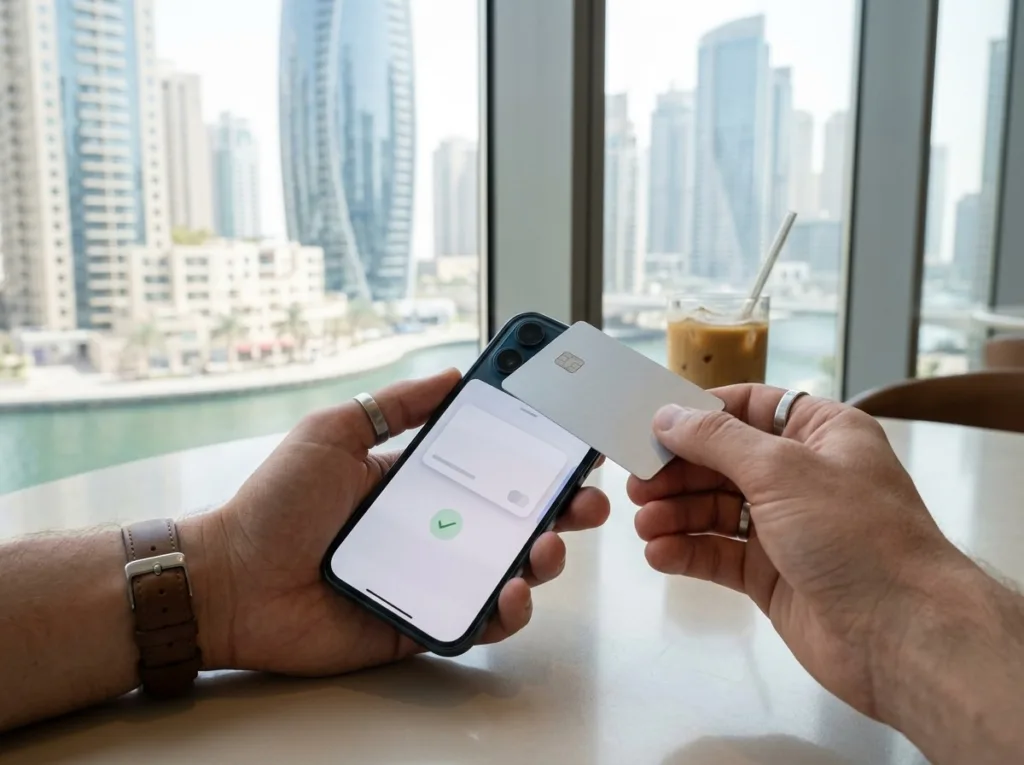
The nol Pay app reads the balance straight from the card’s chip. Open the app, choose “Check balance”, and hold the card flat against the back of your NFC-enabled phone until it vibrates. Because it reads the chip directly, this is the most accurate RTA nol card balance you can get outside a station. The app also lets you top up, and the credit is written to the card during the same tap, so there is nothing to activate later.
Digital nol Cards on Samsung and Huawei
Samsung users can digitise a Silver or Gold card inside the nol Pay app, and Huawei users can add one through Huawei Wallet. After that, the phone itself is your card: tap it at the gate and check the balance in the app. The physical card stops working once it is moved to the phone. At the time of writing, nol is not available as a transit card in Apple Wallet, so iPhone users should use nol Pay with the physical card.
Offline Ways to Check Your Nol Balance
No internet or no app? A nol card balance check still takes only seconds at any station.
Metro Gates and Bus Card Readers
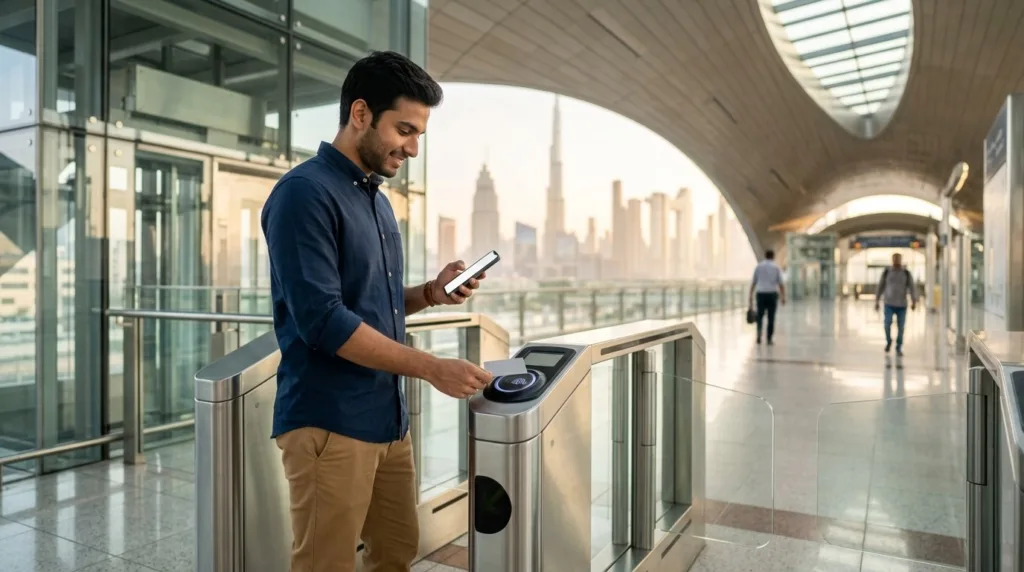
Every time you tap in or out at a metro gate, tram platform validator or bus reader, the screen briefly shows your remaining balance. Glance at it as you walk through.
Ticket Vending Machines
Place your card on the reader of any ticket vending machine at a metro or tram station. The screen shows the balance, card expiry and an option to top up immediately.
Ticket Offices and the RTA Call Centre
Station ticket offices and RTA Customer Happiness Centres can read your card and print a balance or recent journeys. For disputes, blocked cards or lost personal cards, call RTA on 800 9090.
Where to Find Your Nol Tag ID
The nol tag ID is the 10-digit number printed on the back of every Silver, Gold and personal (Blue) card. It is not the card’s design number on the front. You need it for every online nol card balance check, so take a photo of the back of your card the day you buy it. If the card is ever lost, the tag ID is what RTA support asks for, and for a personal card it is the key to recovering your balance.
Nol Card Minimum Balance and Fares in 2026
The official nol card minimum balance to start a journey on metro, tram or bus is AED 7.50, which matches the highest regular Silver fare. If your balance is lower, the gate will not open. Gold Class costs double, so Gold card users need up to AED 15 for a long trip. For a round trip on a Silver card, keeping AED 15 or more on the card is a sensible habit.
Current RTA fares per journey, as listed on the official nol Fares page:
| Journey | Silver / Personal | Gold | Red Ticket |
|---|---|---|---|
| Within 1 zone | AED 3 | AED 6 | AED 4 |
| 2 adjacent zones | AED 5 | AED 10 | AED 6 |
| More than 2 zones | AED 7.50 | AED 15 | AED 8.50 |
Students, senior Emiratis and other eligible groups get 50% off with a personal card, children aged 5 and under travel free, and People of Determination ride free with a personal card.
Which Nol Card Do You Have?
| Card | Price | Credit included | Max balance | Validity |
|---|---|---|---|---|
| Silver | AED 25 | AED 19 | AED 1,000 (AED 5,000 registered) | 5 years |
| Gold | AED 25 | AED 19 | AED 1,000 (AED 5,000 registered) | 5 years |
| Personal (Blue) | AED 70 | AED 20 | AED 5,000 | 5 years |
| Red Ticket | AED 2 | Pay per trip | 10 trips | 90 days |
Prices are from RTA’s card comparison page. Only the personal card protects your balance if the card is lost.
Nol Card Recharge Online and Offline
Once a nol card balance check shows you are running low, top up through any of these channels:
- nol Pay app or RTA Dubai app: nol card recharge online with a bank card or Apple Pay, any amount.
- Ticket vending machines and ticket offices at metro stations: minimum AED 20 per card since 1 March 2025, cash or card, one payment method per transaction.
- Smaller amounts: Solar top-up machines at selected bus stops, Zoom stores, tram station vending machines and the nol Pay app accept less than AED 20.
- Retail partners: selected supermarkets and convenience stores in Dubai.

If you top up on the website rather than through NFC, tap the card at a gate or ticket machine afterwards so the new credit is loaded onto the chip.
Nol Card Balance Check Showing the Wrong Amount? Quick Fixes
- Online top-up missing: tap the card at a gate or vending machine to activate it; allow a few hours if it was just paid.
- Balance lower than expected: if you forgot to tap out, the system charges the maximum fare for that journey. Review trips in the RTA app and raise a dispute with 800 9090 if needed.
- Card not detected by NFC: remove the phone case, move the card slowly around the camera area, and make sure NFC is switched on.
- Card expired: nol cards last 5 years. Visit a ticket office to transfer the remaining balance.
- Gate refuses entry with balance above AED 7.50: your Red Ticket may have used its 10 trips, or a Gold Class surcharge applies.
Lost Your Card? Can You Recover the Balance?
Only a personal (Blue) nol card is protected. Report it to RTA straight away; RTA blocks the card and moves the remaining balance to a replacement card 4 working days after approval. A replacement personal card costs AED 70 (AED 50 fee plus AED 20 credit) and can be ordered through the RTA website or app with UAE Pass. Anonymous Silver and Gold cards cannot be blocked, so their balance is lost with the card. If you keep a high balance, switching to a personal card is worth it.
Frequently Asked Questions
How can I check my nol card balance without the card?
Use the RTA website or RTA Dubai app with your 10-digit tag ID. If you saved a photo of the card’s back or linked the card to the app, you can check the balance from anywhere.
Is a nol card balance check free?
Yes. Every official method, including the RTA website, apps, gates and vending machines, is free. Avoid unofficial websites that ask for payment or personal details.
What is the minimum balance for Dubai Metro?
RTA requires a minimum of AED 7.50 to start a journey on a Silver or personal card. Keep about AED 15 for a round trip, or more if you travel in Gold Class.
Can I check my nol card balance by SMS?
No. RTA does not offer an SMS balance service. Use the website, the RTA Dubai or nol Pay app, or tap your card at a station.
Why is my online top-up not showing on my nol card?
Website top-ups wait in the system until you tap the card at a metro gate or ticket vending machine. Top-ups made with nol Pay over NFC load instantly.
Can I use my Dubai nol card in Abu Dhabi or Sharjah?
Silver, Gold and personal cards work on Dubai Metro, tram, buses, water transport and some taxis. Abu Dhabi uses its own Hafilat card, though the nol Travel card offers wider use across the UAE.
Final Tip
Make a nol card balance check part of your routine: link your card to the RTA Dubai or nol Pay app, keep at least AED 15 on it, and save a photo of the tag ID. If you also manage other prepaid cards, our guide to prepaid card enquiry in the UAE covers salary and payroll cards, including the Ratibi card balance check. Drivers can also learn how to pay UAE traffic fines online, and new arrivals will find more in our UAE government services guide.