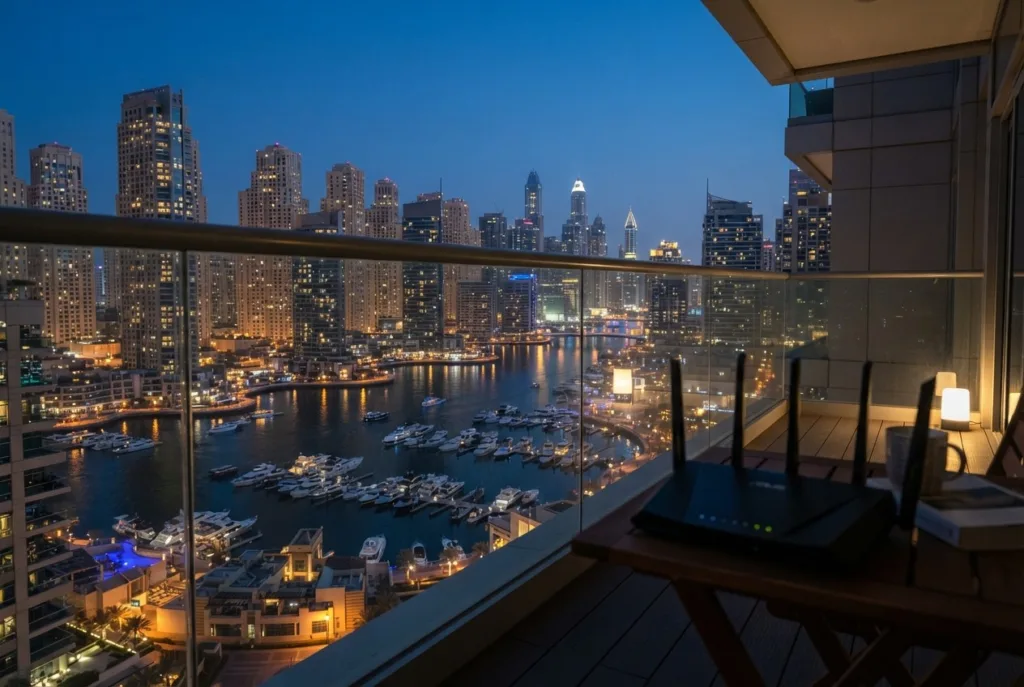
If you live in a tower with WiFi in Dubai Marina or JLT, you probably know the pattern. Your connection works well in the morning, streams fine at lunch, and then somewhere between 7 PM and 11 PM it falls apart. Netflix drops to blurry quality, video calls freeze, online games lag, and speed tests show a fraction of what you pay for.
Most residents blame their internet provider. Sometimes that’s fair, but for WiFi in Dubai Marina specifically, the real cause is usually closer to home: the invisible traffic jam of hundreds of wireless networks packed into the same vertical space. This article explains why evenings are worst, how to tell which problem you actually have, and what fixes work in tower apartments.
Quick Answer: Evening slowdowns with WiFi in Dubai Marina and JLT towers are usually caused by channel congestion from dozens of neighboring networks, not your internet plan itself. A wired speed test during the slow period tells you whether the issue is your provider or your in-home WiFi — most residents find it’s the WiFi.
Why WiFi in Dubai Marina Slows Down Every Evening
Why Marina and JLT Are WiFi Hotspots in the Worst Way
Dubai Marina and JLT are among the densest residential areas in the city. The two communities sit only about 500 metres apart, and together they hold dozens of towers with hundreds of apartments each. Every apartment has at least one router, often an ISP router plus an extender or mesh system, and every one of those devices broadcasts on the same limited set of channels — which is exactly why WiFi in Dubai Marina behaves so differently from WiFi in a villa community.
In a villa, your nearest neighbour’s router might be 20 metres away behind two concrete walls. In a tower, there are routers directly above you, below you, and on both sides, sometimes only a single partition wall away. Open your phone’s WiFi list on a high floor and it’s normal to see 30, 40, or more networks.
During the day, many of those neighbours are at work, and their networks are mostly idle. In the evening, everyone comes home at roughly the same time and starts streaming, gaming, video calling family abroad, and downloading updates. That’s when the airwaves around your apartment become congested.
The Four Real Causes of Evening Slowdowns
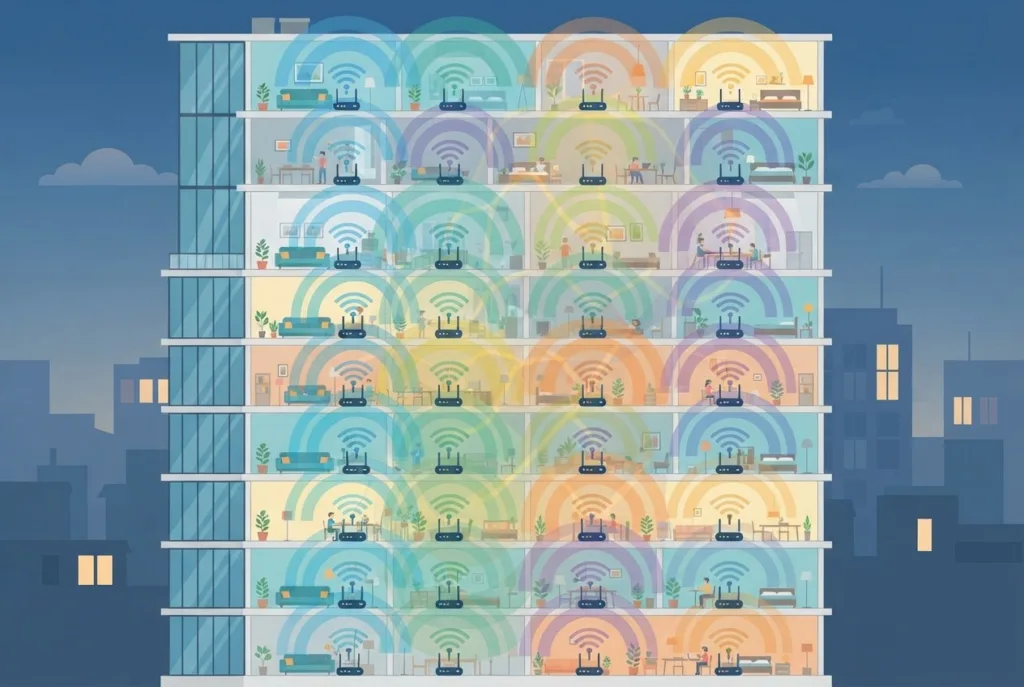
1. Channel congestion on 2.4 GHz. The 2.4 GHz band has only three non-overlapping channels (1, 6, and 11). With dozens of routers nearby, every channel is shared by many networks. WiFi works on a “take turns” principle: when a neighbour’s device is transmitting on your channel, your device waits. More evening traffic means more waiting, which feels like slow internet even though your fibre line is fine. 2.4 GHz also travels further through walls and floors, which is exactly the problem in a tower: you hear your neighbours’ networks, and they hear yours.
2. Too many devices on your own network. Evenings are also when your own home is busiest. Phones, laptops, smart TVs, tablets, consoles, speakers, cameras, and smart plugs all come online. Older or ISP-supplied routers often struggle to share airtime between 20 or 30 devices at once, especially if some are older devices that slow the whole network down.
3. Weak signal inside the apartment. Tower apartments look compact, but the router is usually placed wherever the fibre enters, often in a storage cupboard, near the entrance, or inside a cabinet. Bedrooms at the far end of the apartment may get a weak signal all day, and when evening interference rises on top of that, those rooms become unusable first.
4. Evening load on the wider network. Sometimes the slowdown really is upstream. Fibre networks in large buildings share infrastructure, and heavy evening demand can reduce available speed during peak hours. This is less common than people assume, but it happens, and it is the one cause that only your provider can fix.
WiFi Bands Compared: Why This Matters in a Tower
| Band | Range Through Walls | Crowding in Towers | Best For |
|---|---|---|---|
| 2.4 GHz | Long — travels far through concrete | Very high — only 3 usable channels | Smart home devices only |
| 5 GHz | Moderate — shorter range, less wall penetration | Lower — more channels available | Phones, laptops, TVs, streaming |
| 6 GHz (WiFi 6E/7) | Short — best for same-room or open-plan use | Very low — few devices support it yet | Heavy use on newer devices |
How to Tell Which Problem You Have
A simple test separates in-home WiFi problems from provider problems, and it works the same way whether you’re troubleshooting WiFi in Dubai Marina, JLT, or any other tower community:
- Run a wired speed test in the evening. Connect a laptop directly to the router with an Ethernet cable and test at the time the slowdown usually happens.
- Run a WiFi speed test right next to the router at the same time.
- Run a WiFi test in the room where you usually have trouble.
If the wired test is slow, the issue is with the internet line or your provider — contact them with the results. If the wired test is fast but WiFi next to the router is slow, you have interference or a router that can’t handle the load. If WiFi next to the router is fine but the far room is slow, the problem is coverage inside your apartment. Most Marina and JLT residents find it’s the second or third case: the line is fine and the WiFi isn’t.
Fixes That Work in High-Rise Apartments
Move your devices to 5 GHz (or 6 GHz). The 5 GHz band has many more channels than 2.4 GHz and doesn’t travel as far through walls and floors. In a crowded tower that’s an advantage, because your neighbours’ networks don’t reach you as strongly. Split your network names, or enable band steering, so phones, laptops, and TVs connect on 5 GHz. Keep 2.4 GHz for smart home devices that don’t support anything else.
Newer equipment helps even more. The UAE was the first country in the MENA region to open the 6 GHz band for WiFi, designating 500 MHz of spectrum (5925–6425 MHz) for indoor use in December 2020. A WiFi 6E Dubai router or WiFi 7 device can use this band, which is far less crowded than 2.4 or 5 GHz because older devices can’t use it. In a busy tower, a 6 GHz-capable router and devices can feel like moving from a traffic jam onto an empty road.
Choose channels deliberately. Many routers pick a channel once and stick with it. A WiFi analyser app on your phone shows which channels are most crowded around your apartment at peak time. Moving to a less crowded channel, or setting the router to re-scan periodically, can make a clear difference. Test this in the evening, not in the morning, since that’s when conditions matter.
Upgrade from the basic ISP router. ISP-supplied routers are designed to be cheap and simple. A modern WiFi 6 or WiFi 6E router handles many devices far better, using features such as OFDMA and MU-MIMO that let it serve several devices at once instead of one after another.
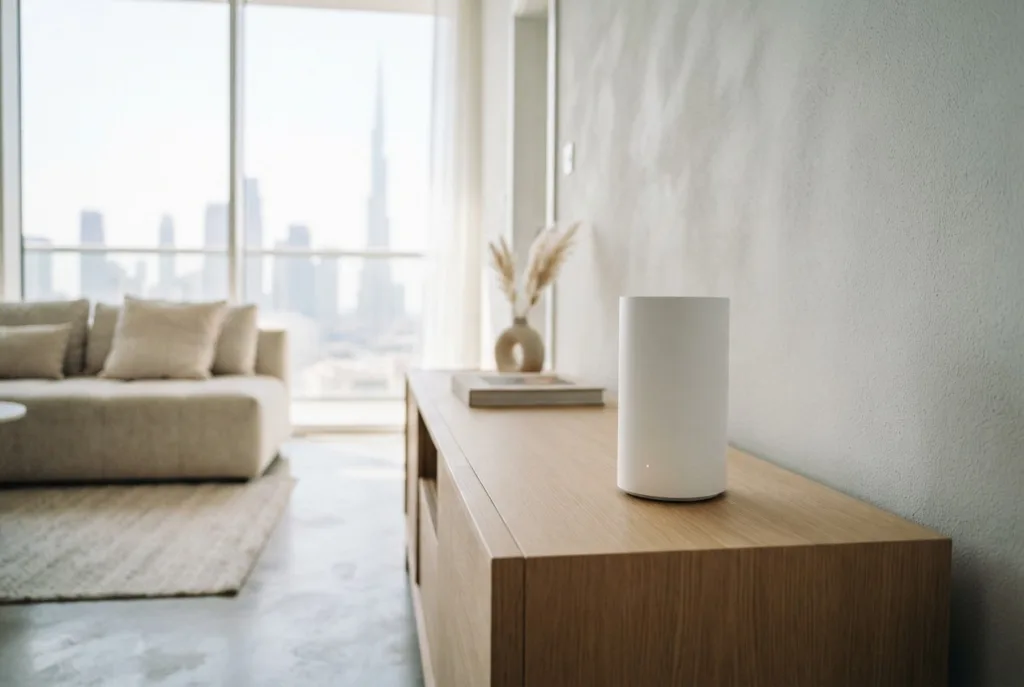
Fix in-apartment coverage properly. If far rooms are the problem, avoid a plug-in WiFi extender Dubai residents often reach for first — these often halve speed and add their own interference to an already crowded environment. A two-unit mesh WiFi Dubai apartments are increasingly switching to, ideally connected with an Ethernet cable if the apartment has network points, spreads a strong signal evenly without adding more noise.
Use cables where you can. A smart TV, console, or desktop PC near a network point should use Ethernet. Every device you take off WiFi frees airtime for the ones that must stay wireless, and wired devices are immune to neighbour interference entirely.
Check whether switching providers is an option. Many residents assume their building is locked to one provider. Since 2015, a network sharing agreement between the two main operators has meant residents in Dubai can choose between them in any area — our du vs Etisalat comparison breaks down which tends to perform better for streaming and gaming. If wired tests keep showing poor evening speeds, comparing providers for your building may be worth it, and if you do decide to switch, here’s how to cancel a du subscription cleanly before moving over.
When to Call a WiFi Technician
DIY fixes solve a lot, but tower environments are tricky. It makes sense to bring in a wifi technician in Dubai if:
- your wired speed is fine but WiFi stays slow every evening even after changing channels,
- you’ve already bought extenders or a new router and nothing improved,
- you work from home and evening video calls are affecting your job,
- your apartment has network points in the walls but you don’t know which ones are connected.
An experienced technician can scan the local interference at your peak hour, identify which networks and channels are overlapping yours, test whether the problem is upstream or inside the apartment, and recommend equipment sized for your space rather than guessing. For anyone dealing with WiFi in Dubai Marina’s densest towers, that diagnosis is often what separates a real fix from another gadget that doesn’t help.
Frequently Asked Questions
Why is my WiFi in Dubai Marina fast in the morning and slow at night?
In dense towers, neighbouring networks are busiest in the evening, which increases channel congestion. Your own household device load also peaks at the same time. Occasionally, heavier demand on the provider’s network adds to the slowdown.
Will a more expensive internet plan fix evening slowdowns?
Usually not. If the bottleneck is WiFi interference or coverage inside your apartment, a faster plan only raises the speed at the router, not what your devices actually receive.
Is 5 GHz always better for WiFi in Dubai Marina towers?
For most devices, yes. It has more channels and suffers less from neighbour interference. The trade-off is shorter range, which is why larger apartments may need a mesh system.
Do WiFi 6E and WiFi 7 routers actually help?
They can help significantly, because they use the 6 GHz band, which the UAE opened for indoor WiFi and which is far less crowded. You need compatible devices (recent phones and laptops) to benefit.
How can I prove the problem is my provider and not my WiFi?
Run a wired speed test during the slow period. If the wired result is also slow, share the screenshots with your provider as evidence.